
JOBS - 7 Steps to posting job openings!
7 Easy Steps to Post Your Job Openings
1. Log into your Chamber Account
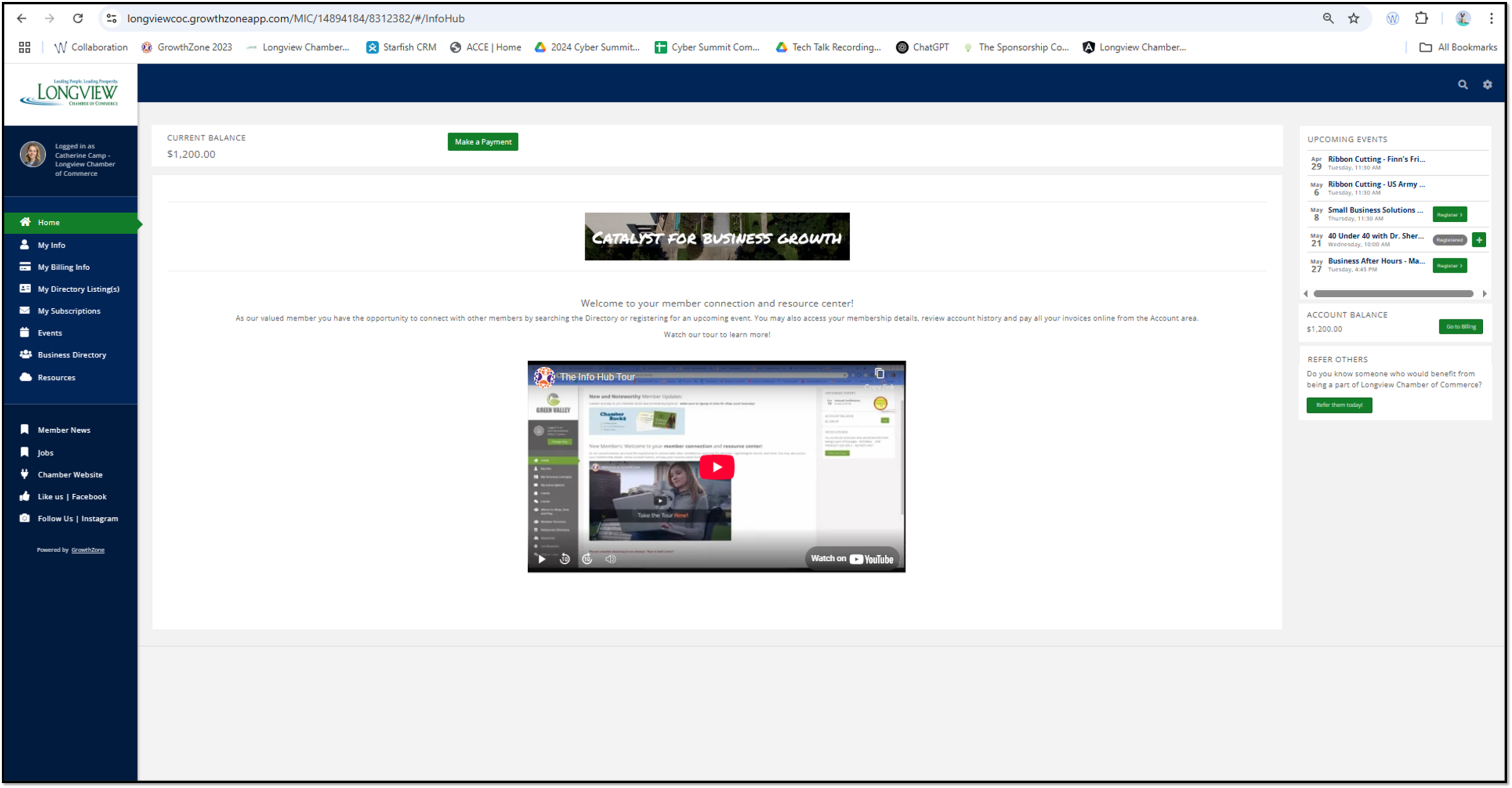
2. Once logged in, on the left lower corner, click “Jobs”

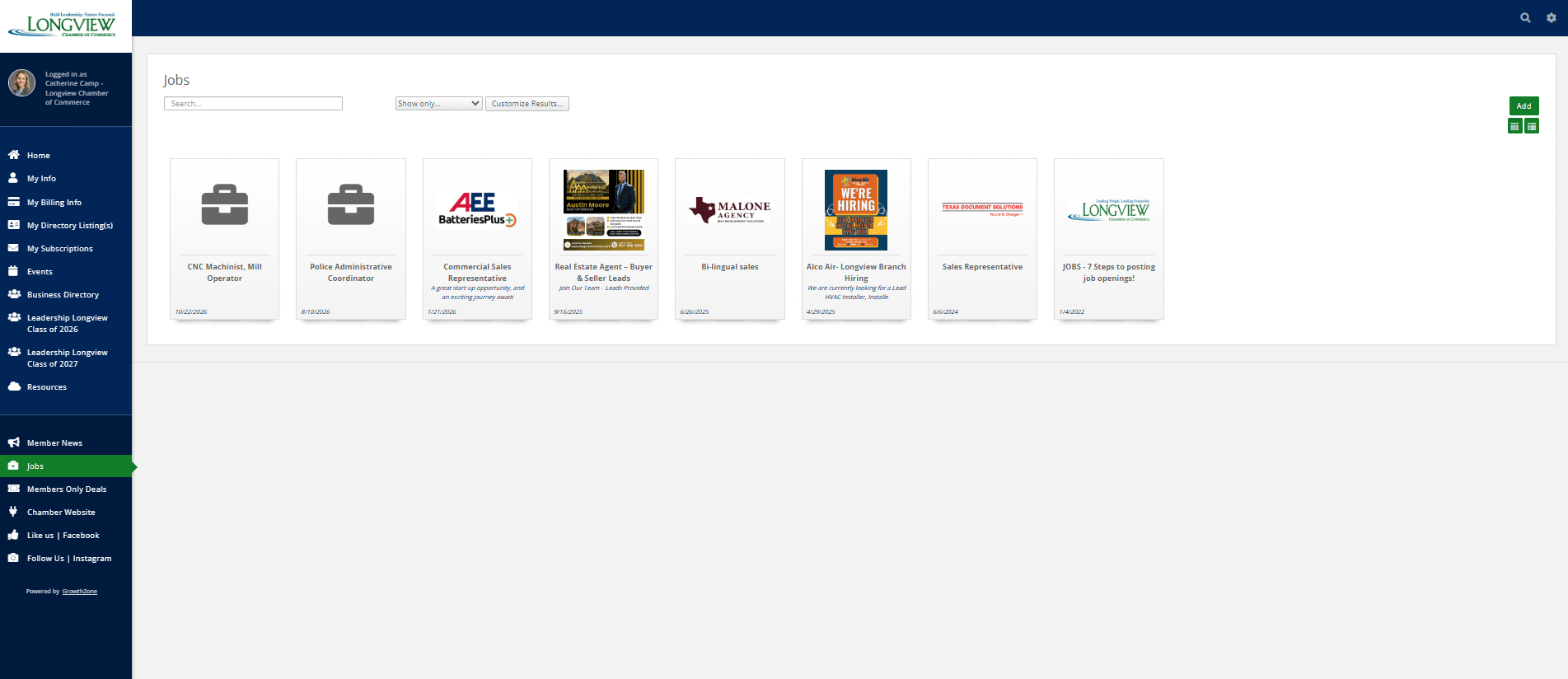
3. Click “Add” in the upper right corner
4. Insert your Title and description
5. Include Job Type, Education Level, Experience Level, Job Function, and a Contact
Don't forget to change and use the font colors and sizes! 
Insert Links and Pictures to share more information and grab your audience's attention! 
(Reminder, You cannot upload PDFs as pictures so please convert them to a jpeg, .jpg, .png, gif, or .bmp.)
Add your "Publish End" date to help remove your post in the future.

Add your organization's logo by clicking on the "Search Results Image" tab
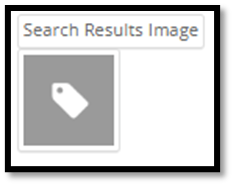 (Reminder, You cannot upload PDFs as pictures so please convert them to a jpeg, .jpg, .png, gif, or .bmp.)
Add other images! Remember to crop and size as needed!
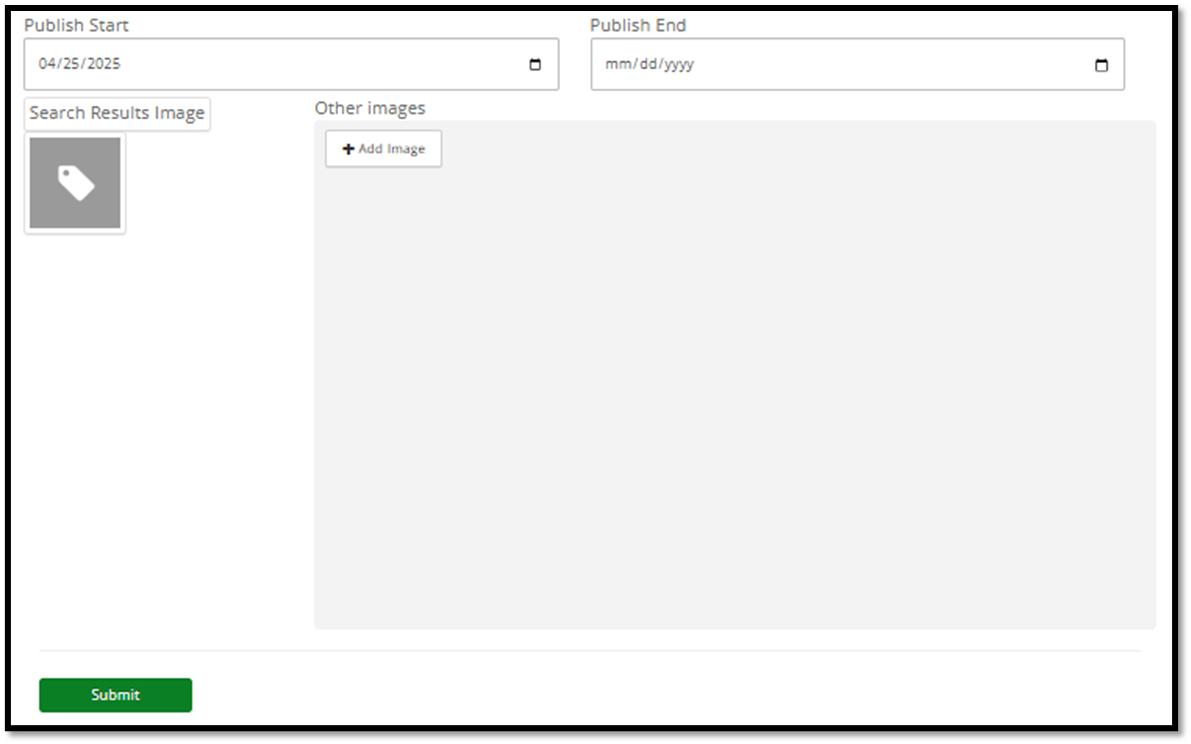
6. Add your logo to "Search Results Image" and click “Submit”

Additional Info
Job Type : ""
Education Level : ""
Experience Level : ""
Job Function : ""